The AI that runs your email marketing.
Penny drafts your campaigns, picks the subject line that wins, and reads every result for you. Automations, signup forms, segments and a full analytics suite — all included, on every account.
Your first 1,000 emails are free.No card, no trial countdown.

One price. No plans. Simple.
Store unlimited contacts. Pay only for the emails you send.
No monthly fee, no plan to outgrow, no charge for the months you don’t send. Load credit when you need it and draw it down — your balance never expires.
$1.00
per 1,000 emails
That’s $0.0010 an email, charged pro-rata, with a $1.00 minimum per campaign
Your first 1,000 emails are on us
No subscription
Nothing leaves your card monthly.
Credit never expires
Send quarterly if that suits you.
Everything included
Full AI + full analytics, always.
Your whole team
Invite as many people as you like — no per-seat fee.
What would it cost you?
Store as many contacts as you like — you pay for who you actually email.
A segment, or your whole list — whoever this one goes to.
How often you send
Each send
$2.50
A whole year
$30.00
A month you skip
$0.00
30,000 emails a year. Your first 1,000 are free, and your balance never expires.
Minimum top-up $10.00. Campaigns have a $1.00 minimum; welcome emails and automations don’t — those are $0.0010 each, however few go out. Anything we don’t send is refunded to your balance.
Wondering how that compares? See it against Mailchimp, Constant Contact and MailerLite — including where each of them works out cheaper.

Penny does the parts you dread.
She’s built into every screen — not a chatbot bolted on the side. Tell her the goal; she handles the craft.
Writes the whole draft
Give Penny a one-line brief and a goal — she returns a designed, on-brand campaign.
Finds the winning subject line
Six scored variants with the angle and reasoning behind each. One click to apply.
Reviews before you send
Catches broken links, missing footers, spam triggers and empty placeholders.
Reads your results
A plain-English summary of what worked and what to try next — every report.
Migrates your old campaigns
Coming from another platform? Paste an email’s HTML and Penny rebuilds it as editable blocks.
Set it up once. It runs without you.
Drag out a flow on a canvas: what starts it, how long to wait, what to send, and where people go depending on what they do. Then leave it alone.
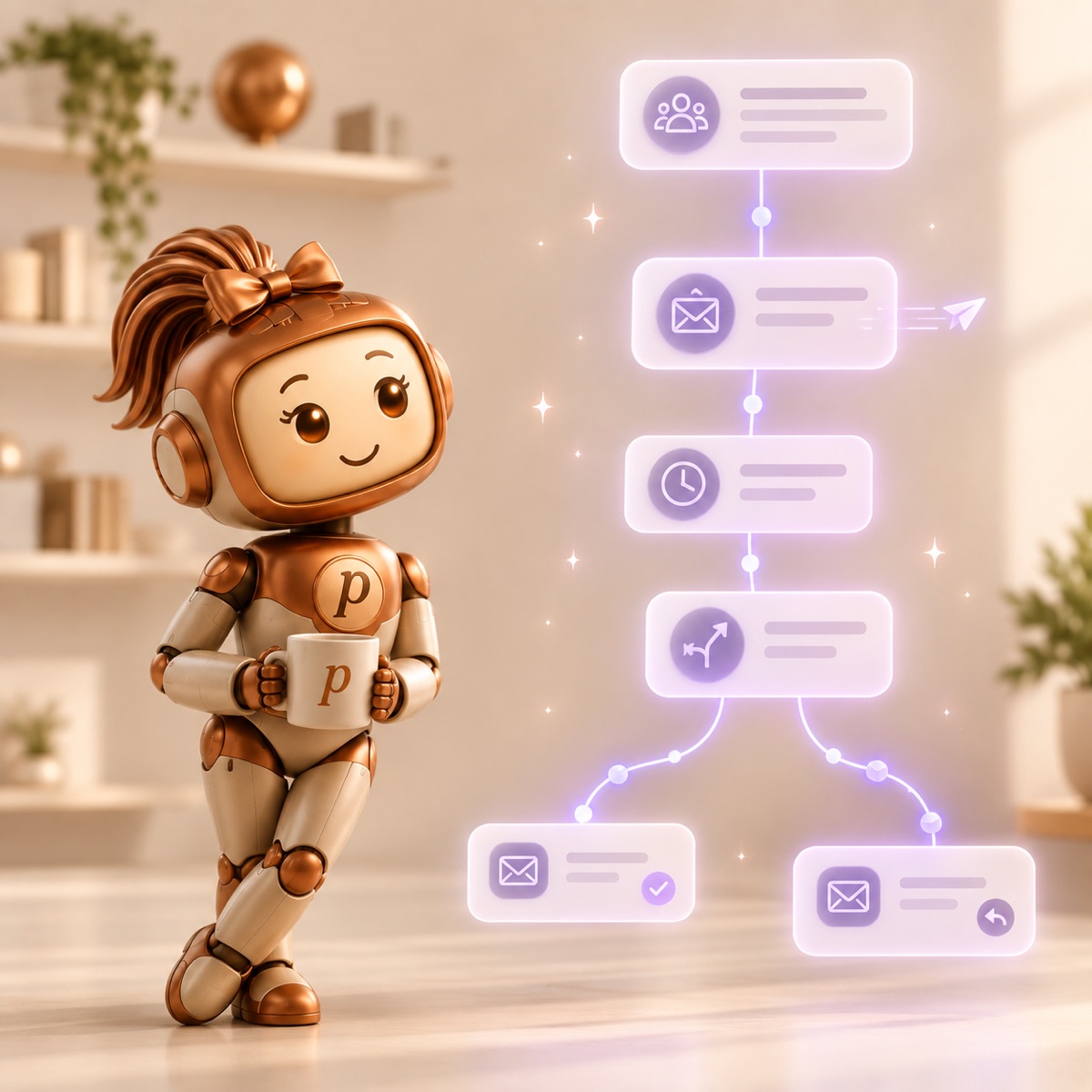
Someone joins your list
From a signup form, an import, or your own app via the API.
Send the welcome
Straight away, or after a delay you choose.
Wait two days
Or until 9am on a weekday — your timezone, not a server's.
Did they click?
Pause the flow until they do, with a deadline you set.
Send them different ways
Engaged people get one email; everyone else gets another.
Stop when they convert
A goal pulls people out the moment they do the thing — no more chasing.
Start from a template
Welcome series, win-back, birthday, post-signup nurture, hot-lead alert. Each one lands as a draft you own and can change — nothing sends until you switch it on.
Test inside the flow
Split traffic down two paths and let it run until one is genuinely ahead, then send everyone the winner. It waits for real numbers rather than calling it early.
See where people drop
Every step shows how many reached it, how many are there now, and how many left — so you can find the message that loses them.
Signup forms that start it all
Build a form, host it on a page of ours or embed it on your site in one line. Confirmed signups join a list, which starts whatever flow you have waiting.
Double opt-in is on by default, and every signup keeps a record of exactly what the person agreed to and when — the evidence that matters if anyone ever asks.
<div data-inboxpenny-form="a1b2c3d4/newsletter"></div>
<script src="https://inboxpenny.com/embed.js"></script>
Matches your site’s colours and fonts, and resizes itself.
Already on another platform? Bring your campaigns with you.
Penny rebuilds your existing campaigns as editable blocks — copy, images, links and formatting intact. No starting from scratch, no “book a call and we’ll migrate you”.
- 1
Hand Penny the email
Paste its HTML, drop in a .eml file, or just give her the “view in browser” link.
- 2
She rebuilds it
Headings, rich text, buttons, side-by-side layouts and your brand colours all become editable blocks.
- 3
Your images come too
Every image is copied to your account — so nothing breaks the day your old account goes away.
Works with any HTML email — whatever platform it came from.
A list you can actually trust.
Import it, keep it clean without thinking about it, and target anyone by what they’ve actually done.
Import without the mess
Upload a CSV and every row is checked twice — the address itself, and whether the domain can really receive mail. Rejects come back as a file with the reason on each row, so you can fix them and re-import.
Lists and your own fields
Group people into lists, and add whatever fields you need — company, plan, city, renewal date. Each one becomes a merge tag you can drop straight into a campaign.
Segments that keep themselves current
Pick rules and watch the count update as you build: in this list, has this field set, hasn’t opened in 90 days, clicked in the last 30. Target it like a list — it’s re-evaluated at send time, so it never goes stale.
Opt-outs handled for you
Unsubscribes, hard bounces and spam complaints drop out of every future send automatically. You can’t accidentally email someone who asked you not to.
Add contacts from your own app
A REST API with per-workspace keys, so your site, checkout or CRM can push people straight in. Posting the same address twice updates it instead of duplicating it — no de-duping to write on your end.
Contacts and lists, create and update, with proper status codes.
curl -X POST https://inboxpenny.com/api/v1/contacts \
  -H "Authorization: Bearer YOUR_KEY" \
  -d '{
    "email": "sam@acme.com",
    "firstName": "Sam",
    "attributes": { "COMPANY": "Acme" }
}'The analytics the other guys hide behind “Premium.”
Click-first reporting that sees past Apple’s inflated open rates — so you know what really landed. Included for everyone, at no extra cost.
- Interactive world & US-state maps
- Click maps over your design
- Device, client & mailbox breakdown
- AI best-time-to-send
- Cross-industry benchmarks
- CSV export + weekly email

Signed, aligned sending
DKIM-signed from your own domain, or one we set up for you.
Bounces handled for you
Hard bounces and complaints are suppressed automatically.
Contacts never sent to AI
Penny sees your copy — not your list.
Compliant by default
Unsubscribe link and postal address on every send.
Questions, answered
What does it cost?
$1.00 per 1,000 emails — $0.0010 each, charged pro-rata. There's no monthly fee and no plan: you load credit when you need it, and it never expires. Minimum top-up $10.00. Campaigns have a $1.00 minimum; welcome emails and automations don't — those are charged at the plain rate however few go out. Anything we don't send is refunded.
I have a big list but only send a few times a year
Then this pricing was built for you. There's no monthly fee, so a quiet month costs you nothing at all, and your credit never expires — load it once and draw it down over a year if that's your rhythm. A 2,500-contact list emailed four times a year comes to $10.00.
Do I need my own domain to send?
No. If you have a domain, verify it and your mail is signed as your own brand — we show you the exact DNS records to add. If you don't, we'll give you a signed sending address on ours in one click, with replies going to your normal inbox. Either way you can email your own team first, before setting anything up.
Will your branding be on my emails?
No. We never add a badge, a logo or a “sent with” line to anything you send — not during the free trial, not on any amount of credit. The only things appended are the unsubscribe link and your postal address, because the law requires them. One caveat worth saying plainly: until you verify your own domain, your mail goes out from a sending address on ours, so our domain is visible in the From line — verifying a domain removes that too.
Will my emails actually reach the inbox?
Every email is DKIM-signed and DMARC-aligned — from your own domain if you've verified one, otherwise from the sending address we set up for you. We also handle the housekeeping that wrecks sender reputation: hard bounces and spam complaints are suppressed automatically, so you never keep mailing an address that hurts you.
Does the AI see my contacts?
No. Penny gets your campaign copy and the brand profile you write — never contact records, email addresses or attribute values. Personalization stays as merge tags that are filled in per recipient at send time, after the AI is out of the loop.
Won’t AI-written email look like spam?
Penny drafts, you decide — nothing sends itself. Every campaign runs a pre-send check for spam triggers, dead buttons, missing alt text and a missing postal address, and the unsubscribe link is added for you.
Can I bring my existing list?
Import a CSV and we validate every row — both the address format and whether the domain can actually receive mail — then show you exactly which rows were rejected and why, so you can fix them.
Is the analytics suite really included?
Yes. There are no plans to compare — everyone gets the full Penny AI suite and the full analytics suite. The only thing you pay for is the emails you send.
What happens to credit I don’t use?
It stays on your account. Credit doesn’t expire, so sending once a quarter costs you nothing in between — which is the whole reason we don’t sell a subscription. The one exception is an account left completely unused for two years, which we may close after warning you; the terms spell that out.
Why is there a minimum per campaign?
Sending has a fixed cost to us no matter how small the list, so each campaign is charged at least $1.00. Below about 1,000 recipients that minimum is what you pay; above it you pay the per-email rate. Anything we don’t send is refunded.